Hackers Exploit ScreenConnect Extension to Attack 48 Organizations
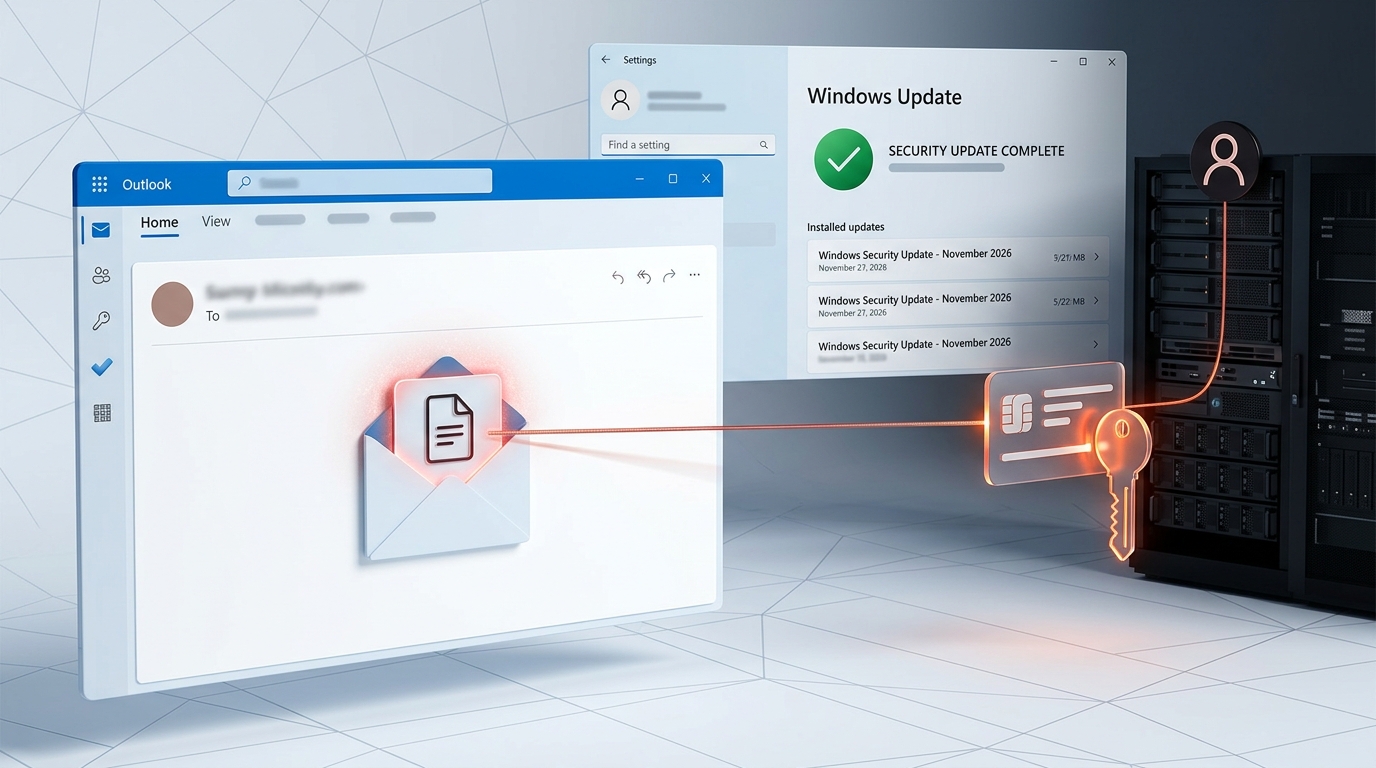
A cyberattack targeting managed service providers has affected at least 288 endpoints across 48 organizations. Attackers abused a weakness in a third-party ScreenConnect extension to deploy malicious remote-access clients, raising serious questions about the security of tools used to manage business computers.

A cyberattack targeting managed service providers (MSPs) has exposed dozens of organizations to unauthorized remote access after attackers abused a weakness in a third-party extension associated with ConnectWise ScreenConnect.
The incident, first identified by cybersecurity company Huntress on November 11, 2026, involves attackers using compromised ScreenConnect environments to install malicious remote-access clients on computers managed by IT service providers.
Huntress has identified at least 288 affected endpoints across 48 organizations in its investigation. The company says the malicious activity involved a custom toolkit known as SCKit, which was designed to establish persistent access and potentially spread through connected IT environments.
The attack is particularly concerning because ScreenConnect is a legitimate remote support platform used by IT teams to manage computers, troubleshoot problems and provide technical assistance to customers.
Rather than relying on an ordinary phishing campaign, attackers abused the trust and access associated with remote management infrastructure.
How the ScreenConnect attack happened
ScreenConnect is a remote access and support platform developed by ConnectWise. Managed service providers use it to connect to customer computers, install software, run commands and resolve technical problems without physically accessing the devices.
These capabilities make the platform useful for IT support, but they also make unauthorized access particularly dangerous.
According to Huntress, attackers gained access to multiple cloud-hosted ScreenConnect environments and used the platform's Run Command functionality to distribute malicious software to connected endpoints.
The commands installed a second ScreenConnect client controlled by the attackers, alongside a malicious toolkit called SCKit.
This gave the attackers a separate remote-access channel that did not depend on the legitimate IT provider's normal support setup.
Huntress observed the activity across at least 288 hosts belonging to 48 organizations.
The campaign developed quickly. The cybersecurity company reported that all 288 affected hosts in its investigation were compromised within approximately 90 minutes, with around one-third affected during the first 10 minutes.
The weakness was linked to a third-party extension
One important development in the investigation is the identification of a weakness in RMM+, a third-party extension used with ScreenConnect.
Huntress found that versions 1.0.31 and 1.0.32 of the extension contained a serious authentication weakness.
RMM+ allows external management tools to interact with ScreenConnect sessions through an API. It uses a separate access key to authenticate those requests.
However, Huntress discovered that when an administrator had not configured the access key, the affected versions could accept a blank value.
This created an opportunity for unauthorized users to access the extension's remote-command functionality without going through ScreenConnect's normal user authentication, role permissions and multifactor authentication controls.
Huntress said the activity it investigated matched this weakness. Commands appeared in the relevant logs without corresponding login activity.
ConnectWise identified five third-party extensions that might be associated with the incident and disabled them across more than 400 partner environments as a precaution:
- Labtech Plus
- RMM Plus
- RMM+
- RMM Plus Password Link
- RMM+ Password Link
ConnectWise has advised on-premises partners to disable the affected extensions as well.
Importantly, the presence of one of these extensions does not automatically mean an environment has been compromised.
What is SCKit malware?
The attackers used a custom malicious toolkit called SCKit to maintain access and carry out additional activities on infected computers.
Huntress describes SCKit as a collection of 16 files, including PowerShell scripts, batch files, Windows command-line scripts and other configuration data.
Its components were designed to establish persistence, deploy attacker-controlled remote-access software and make it harder for defenders to identify and remove the infection.
Among the activities identified by Huntress:
- Installing an unauthorized ScreenConnect client.
- Creating a scheduled task called TrapWatch.
- Establishing a persistent remote-access mechanism.
- Adding exclusions to Microsoft Defender to reduce the likelihood of malicious components being detected.
- Replacing the legitimate ScreenConnect installation with an attacker-controlled version.
Some components were also designed to steal authentication session information from technicians' workstations.
This is particularly concerning because a technician's computer may have access to several customer environments.
If attackers successfully compromise that workstation and obtain the technician's active sessions, they could potentially use those privileges to reach additional systems.
However, Huntress made an important distinction: although its analysis identified code designed to spread from an infected endpoint to a technician's workstation and then to other environments, it had not observed that particular lateral-spread mechanism succeeding in the incidents it had investigated.
Why IT service providers are especially vulnerable
Managed service providers often have privileged access to many customer environments.
A single MSP may remotely manage computers for dozens or even hundreds of businesses. Its technicians may have administrator privileges, access to sensitive systems and the ability to install software across multiple networks.
This creates an attractive target for attackers.
Instead of attacking each business independently, compromising an IT provider or its management infrastructure can potentially create access to several organizations through one point of entry.
This is why the ScreenConnect incident deserves attention beyond the organizations already identified by Huntress.
It highlights the security risks associated with centralized remote management, especially when third-party extensions have access to powerful administrative functions.
What ConnectWise has done
ConnectWise confirmed that it was investigating reports of unauthorized activity affecting ScreenConnect partner environments.
The company disabled five potentially associated third-party extensions across hosted partner environments as a precaution.
It also advised partners to review account activity, preserve suspicious logs, revoke active sessions, reset credentials from trusted devices and verify that multifactor authentication is enabled.
ConnectWise stated that its initial assessment did not indicate a compromise of its own infrastructure or a vulnerability in the ScreenConnect software itself.
Its investigation pointed toward possible abuse of independent third-party extensions installed in partner environments. The company said the initial access method and full scope remained under investigation.
This distinction matters. The incident should not be described as a confirmed compromise of the core ScreenConnect software.
What businesses and IT administrators should do
Organizations using ScreenConnect should review their environments even if they have not received a security alert.
Huntress recommends checking Run Command and Toolbox histories for unexpected activity, particularly commands that install additional ScreenConnect clients or execute unfamiliar scripts.
Other important precautions include:
1. Review third-party extensions
Check whether any of the five extensions identified by ConnectWise are installed. Disable the affected extensions in accordance with the company's advisory and investigate whether their configurations were abused.
2. Investigate unauthorized remote-access clients
Look for unfamiliar ScreenConnect installations or additional remote-management software on customer endpoints and technician workstations.
3. Review administrative activity
Investigate unexpected logins, unusual account changes, unfamiliar remote commands, suspicious Toolbox activity and unexpected authentication requests.
4. Protect technician workstations
Treat workstations that have interacted with suspected infected computers as potentially exposed. Investigate them using separate security tools rather than opening another ScreenConnect session.
5. Revoke potentially exposed sessions
From a trusted device, terminate suspicious ScreenConnect sessions and rotate affected credentials. Where session information may have been exposed, review and revoke relevant browser and identity-provider sessions.
6. Preserve logs and investigate before restoring systems
Organizations should preserve relevant evidence, isolate suspected infected devices and verify that unauthorized clients and persistence mechanisms have been removed before returning systems to normal operation.
Businesses that rely on external IT providers should also ask their providers whether they have reviewed their ScreenConnect environments and taken the recommended precautions.
A bigger warning about trusted IT tools
The ScreenConnect incident demonstrates a difficult reality in cybersecurity: software designed to help organizations manage their systems can become a powerful attack channel when its access controls are weakened.
Remote-management tools are often granted extensive permissions because they need to perform administrative tasks. When attackers gain access to those capabilities, they can operate with a level of trust that ordinary malware may struggle to obtain.
The problem is not limited to ScreenConnect. Remote monitoring platforms, endpoint management systems, support applications and other administrative tools all require strong authentication, careful extension management and continuous monitoring.
Organizations should not assume that legitimate software is automatically safe simply because it comes from a trusted vendor.
Final thoughts
The ScreenConnect campaign is a serious reminder of the risks associated with remote IT management.
With at least 288 affected endpoints across 48 organizations identified by Huntress, the incident shows how a weakness in a third-party extension can create consequences for multiple businesses.
For managed service providers, the priority should be to investigate their environments, review extension configurations and secure the administrative access used to manage customer systems.
For businesses, it is equally important to understand how their IT providers access their computers and what security measures protect those connections.
As organizations become increasingly dependent on remote support and centralized management, securing the tools behind those services is no longer optional. It is a fundamental part of business cybersecurity.
Google Cloud Launches NVIDIA Vera Rubin AI Infrastructure: What It Means for Businesses
Next Dispatch →Notion AI Data Breach Exposes Customer Chat Transcripts Through Third-Party Provider
Discussion (0)
Technical commentaryLeave a Reply
No comments yet. Be the first to share your thoughts!